Three choices, then done
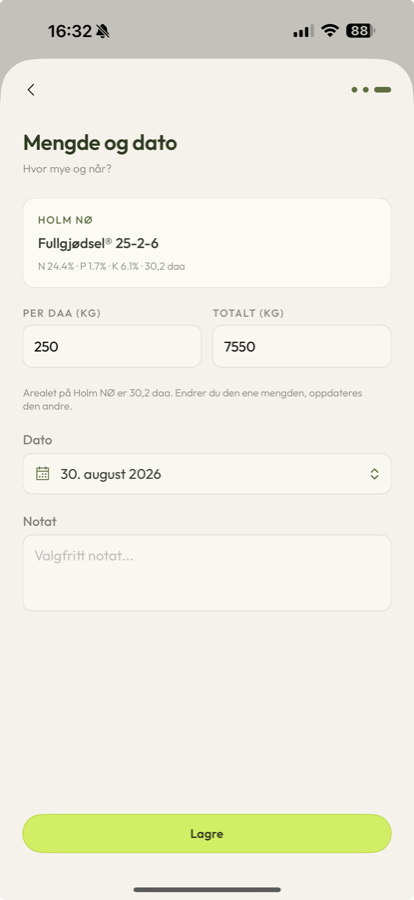
Field, fertiliser, amount. Inventory is deducted automatically, so logging a spreading takes seconds and can be finished standing in the field.
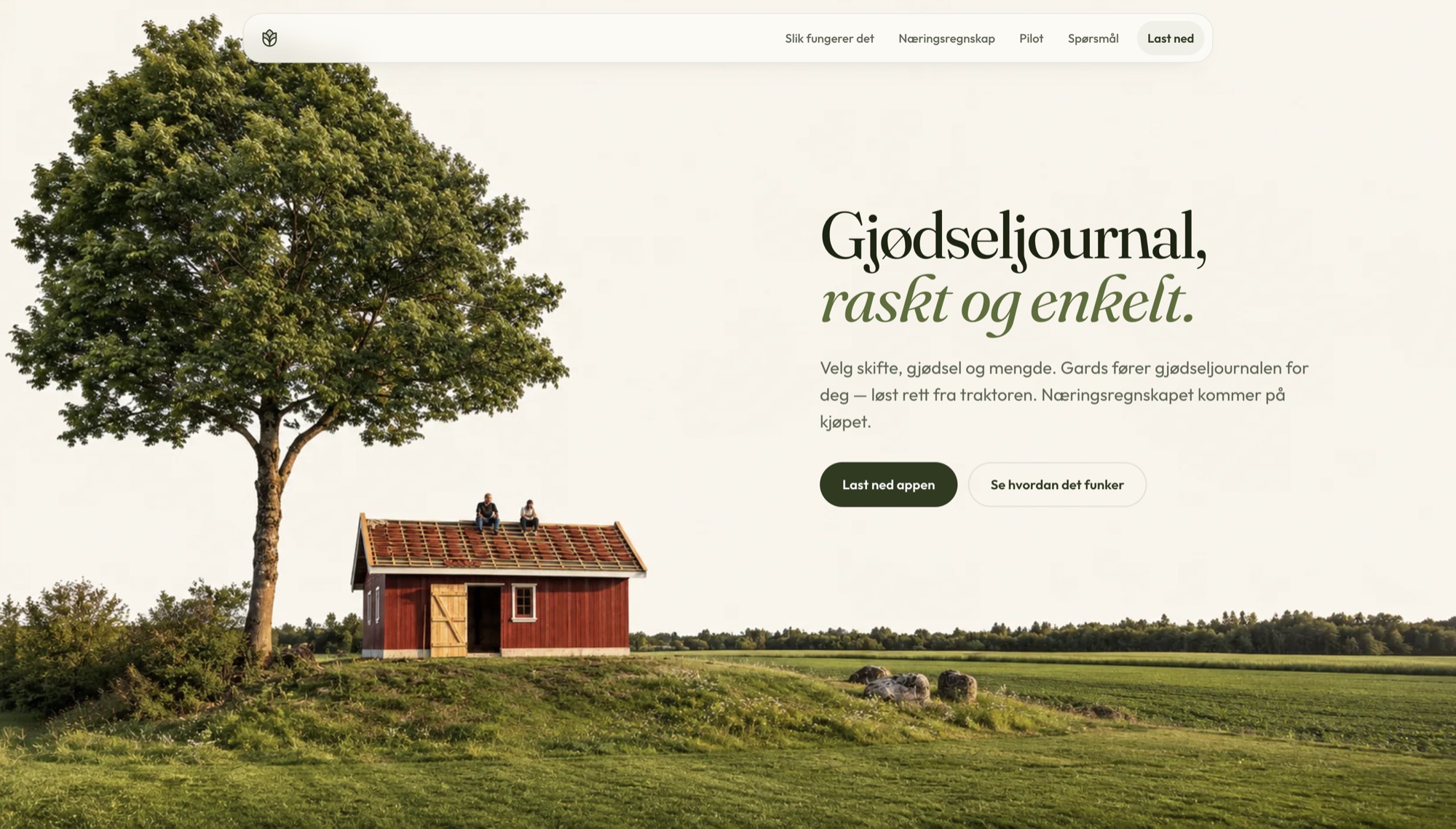
A fertiliser journal for Norwegian farms. Pick field, fertiliser and amount from the tractor seat; Gards keeps the journal and the nutrient accounts itself.
It started as my father's problem. He had to follow Norwegian fertiliser regulation and was doing it the old way. Gards is the same obligation met with current technology.
Field, fertiliser, amount. Inventory is deducted automatically, so logging a spreading takes seconds and can be finished standing in the field.
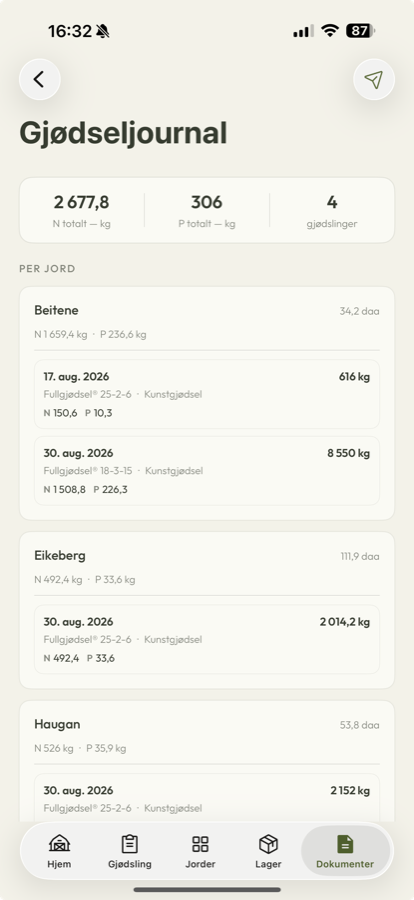
Every entry lands in the gjødseljournal with date, amount and applied N and P — retained five years and ready for inspection, which is what § 27 now requires.
N, P and K per field and status against the phosphorus limit, calculated while you work and ready to file by 1 November.
The farmer's gjødselplan is analysed on the way in, so fields, fertilisers and quantities are prefilled rather than typed. It also produces a list of planned fertilisings, which turns registration into confirming something already on screen.
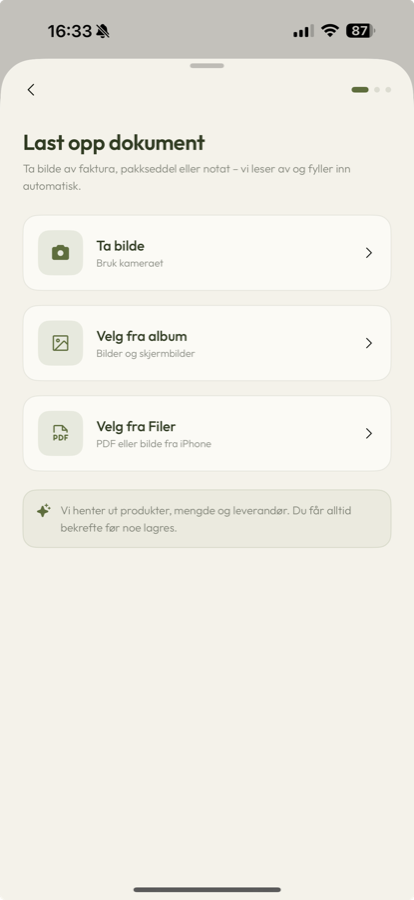
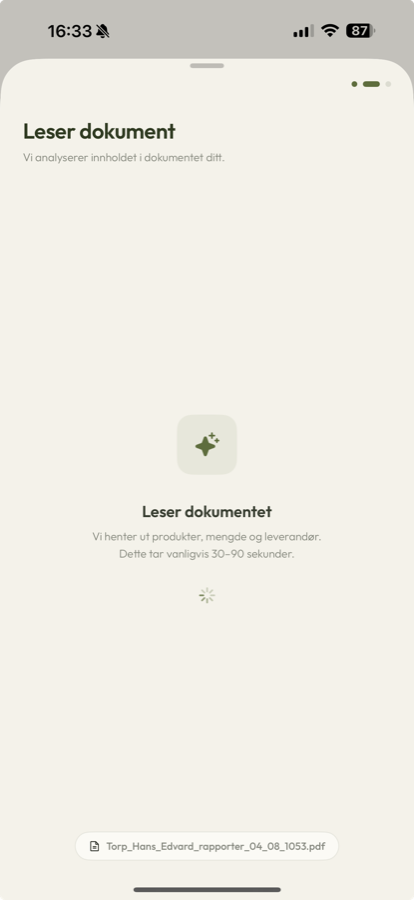
Soil samples per field with expiry warnings, invoice scanning that reads products, quantity and supplier and always asks for confirmation before saving, and PDF or email export of both the journal and the nutrient report.
Six months part-time from concept to live production. Swift throughout, with Claude as the second pair of hands — which is the only reason the scope was possible alone.
Gards doesn't make the fertiliser plan — that still comes from the farmer's adviser. It does the journal and the arithmetic.
I had one user to start with, and he wasn't going to pretend the app was good if it wasn't. That's a better brief than any research round: my father either reached for it standing in the field, or he didn't.
So the whole design became a subtraction problem. Compliance software usually asks for everything up front, and everything up front is exactly what nobody types in a tractor. Reading the gjødselplan on the way in was the moment it started working — the app stopped asking questions the farmer had already answered on paper.
What I'd claim: three taps beats a spreadsheet. What I wouldn't claim yet: that it holds up across farms that don't look like his. That's what the pilot is for.
Nobody types a form in a tractor. Everything else followed from that.
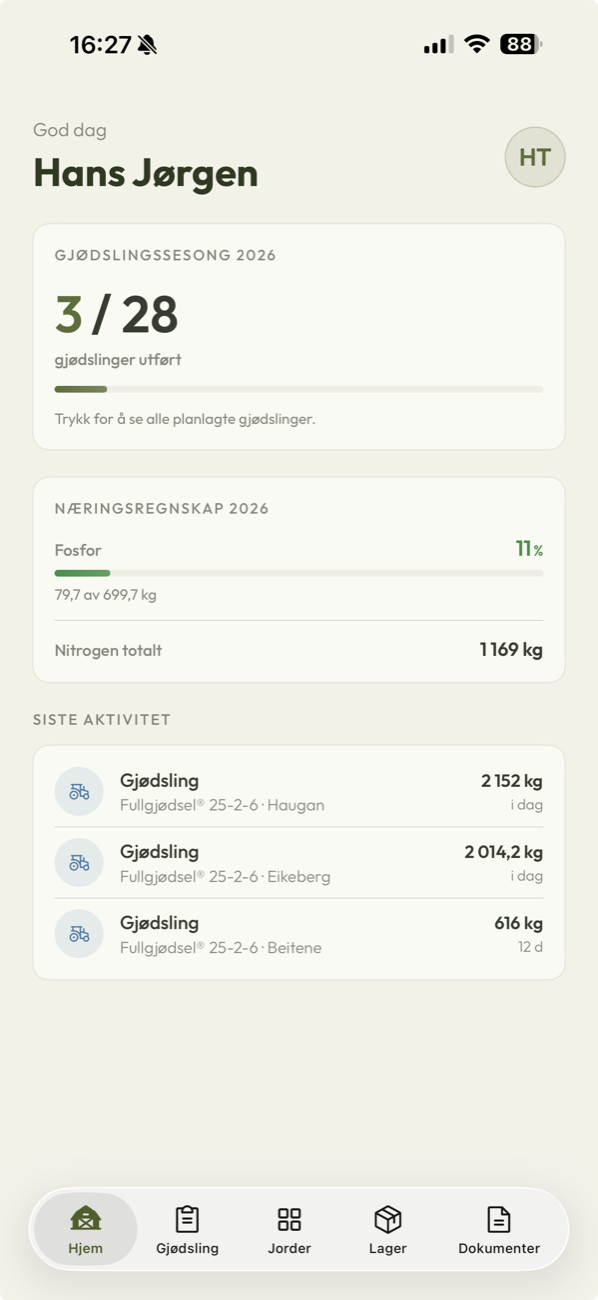
Season progress against the planned fertilisings from the gjødselplan — three of twenty-eight done — with phosphorus against the limit and the last three spreadings. Every number is a by-product of logging, not a form someone filled in.
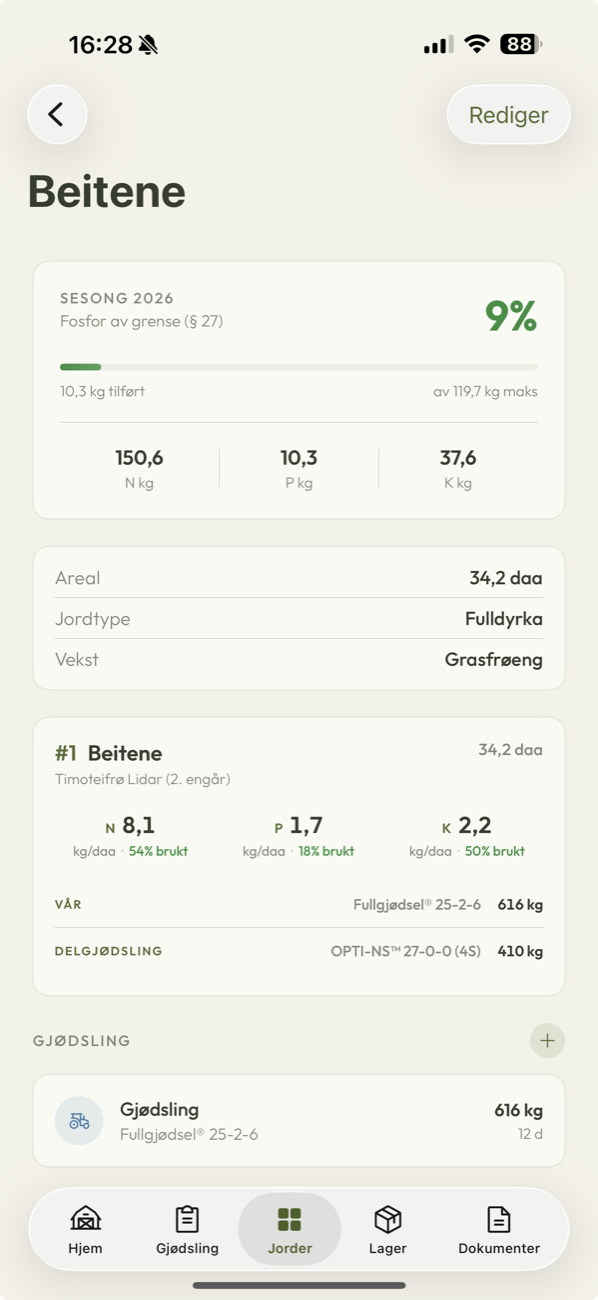
One skifte: percentage of the § 27 phosphorus limit used, N, P and K in kilos, then area, soil type and crop. The plan sits underneath as spring and split applications with the actual products named.
The section nobody else writes.
I built for one farm before I knew which parts were that farm and which were the regulation. It made the first version fast and the second version slower — the pilot is partly me finding out which is which.
Inventory. It is genuinely useful and it is not why anyone downloads the app. Shipping it early cost weeks that the journal itself could have used.
Working solo with Claude changed what scope means. A six-month part-time build shipping to production would not have been on the table two years ago, and I plan differently now because of it.